
Session Administrators can now close their session(s) with the click of a button!
Prior to closing the session, however, please ensure that all potential duplicates have been resolved.
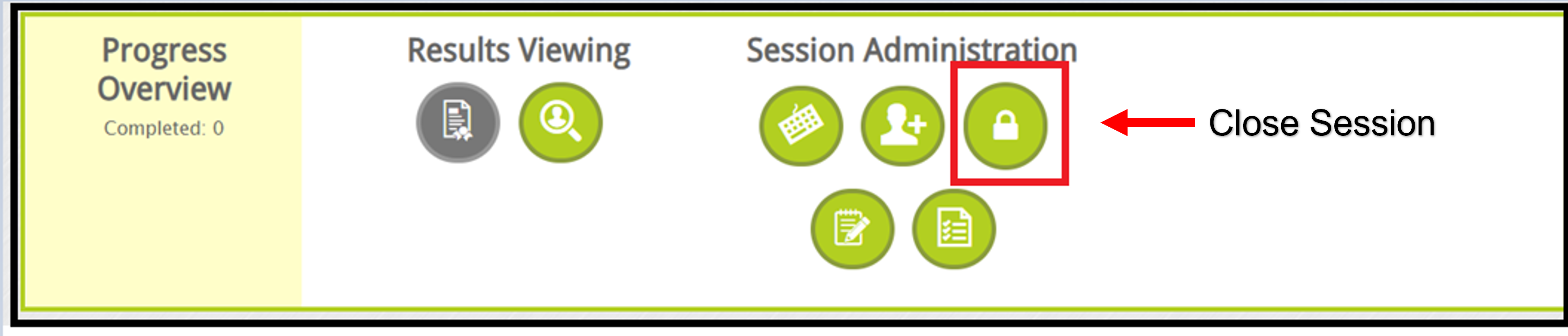
To close your session, click the lock icon from your landing page as shown below.
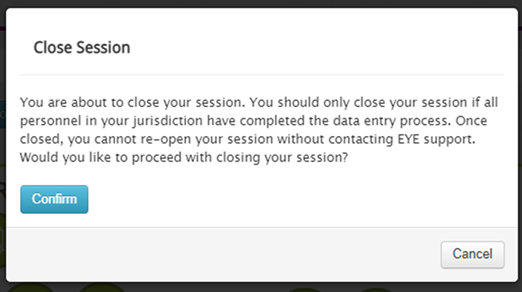
A close session message with more details will pop-up asking for your confirmation. Ideally, your session progress should be at 100% before closing.
Once the session has been closed, a status message will be displayed at the top of your session page with the following information.

Click to return to the Session Administrator Roles article