
There are several factors why evaluators may be unable to assess a child during the course of a session.
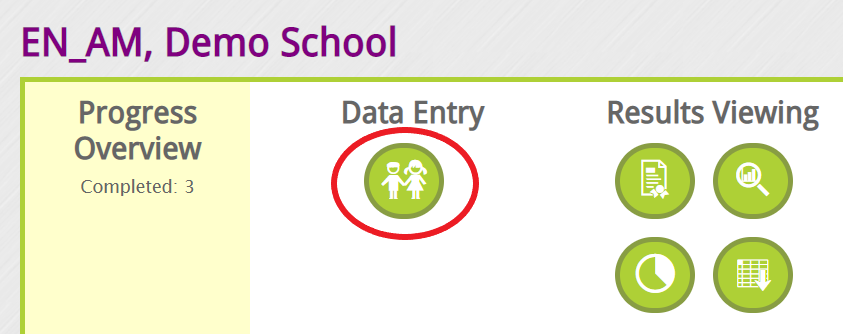
Step 1: From your landing page, select the Data Entry - "child Icon" to be directed to your manage class list view.
Step 2: Select the child's name and simply check either the "Moved" or "Not Assessed" box and provide the reason under the "Note" column.

Once the child has been marked off, the child's name will no longer appear in your EYE reports.
For any special circumstances, please contact the EYE Support Team at eye-support@thelearningbar.com.