
While you cannot delete children from your session, you can, however, indicate that you will not be assessing them
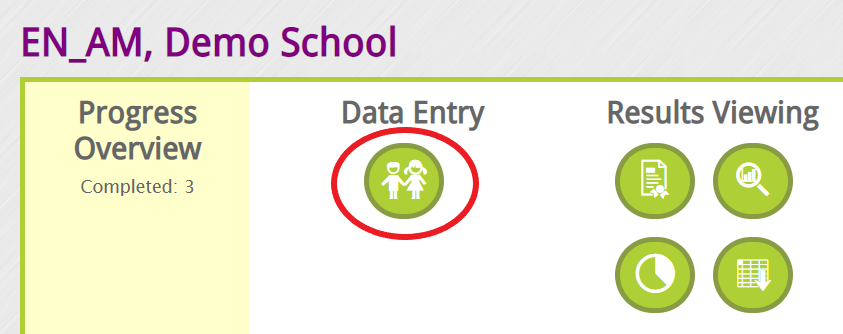
Navigate to your list of children page and select the Data Entry "child icon"
Select the child's name and simply check the box under the "Moved" column for any child that has moved from the class or the checkbox under the "Not Assessed" column based on the situation and provide the reason under the "Note" column.

The moved children will no longer appear on the assessment list, or any newly generated teacher checklists (EYE-TA).
For any special circumstances, please contact the EYE Support Team at eye-support@thelearningbar.com.