To edit a child's information, first, navigate to your class list then click on the Edit icon (pencil icon) beside the child’s name.

Make the necessary changes and click Update. All required fields (with red asterisks) must be filled in.

To edit a child's information, first, navigate to your class list then click on the Edit icon (pencil icon) beside the child’s name.
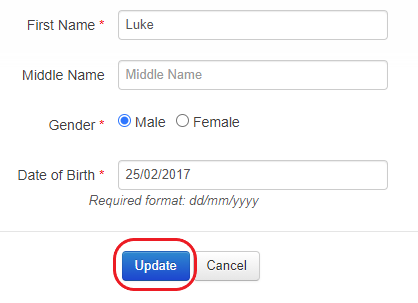
Make the necessary changes and click Update. All required fields (with red asterisks) must be filled in.