You can change the language displayed within the application to one of your choices by following these simple steps:
1. Make sure you are login to EYE.
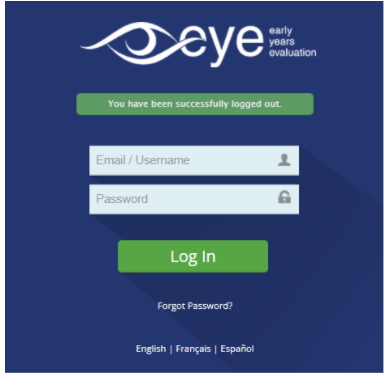
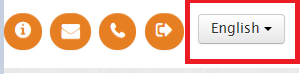
2. From the header section of the website, select the drop-down menu in the top right corner section in the header and select the language of your choice either in (English, French, or Español). The system will automatically update to the language set.