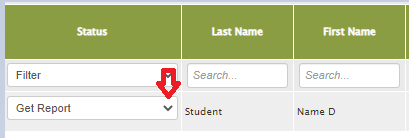
Once the students' data is entered and their reports have been generated, you can download an individual Child Report in any of our available languages from the Manage Child Data and Enter Scores page. Simply click on the drop-down arrow to the left of the child’s name, under the Status column.
Here is the process:
Under Data Entry, select the Manage Child Data and Enter Scores icon as shown below.

On the class list, you can select the drop-down arrow and choose the language for your child's report and the report will be downloaded automatically as a PDF.
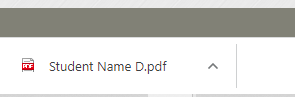
You should then be able to locate your newly downloaded Child's report within your Downloads Folder on your computer (PC). Some browsers will display recent downloads at the bottom of the page.